
How to blacklist a media for a customer?
Please go to Main Menu, under Administration tasks, click on Media and choose the media you want to blacklist.
Example: www.pressebox.de
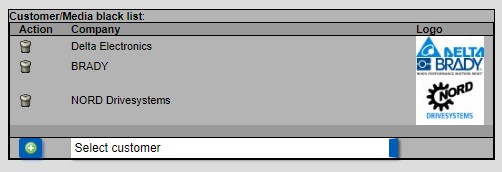
At the bottom of the media profile page you have the option Customer/Media blacklist.
By scrolling in the drop-down box “Select customer” above, select your client and add it by clicking on the green plus.
This media www.pressebox.de will no longer receive PRs from your client.