
How to create a new event?
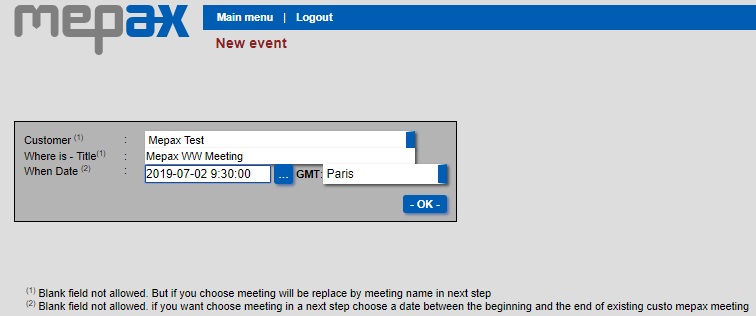
First, please go to Main Menu, under Press events - meeting tasks, click on New event.
- Select your customer
- Complete where is - Title box
- Complete the date and time zone box
- Then click on OK as shown below
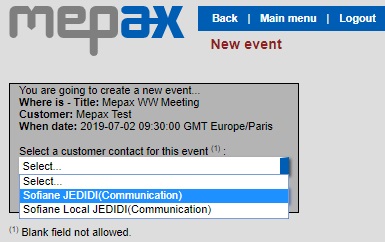
- Then select your client contact
Now you will be in your press event manager which looks like this.
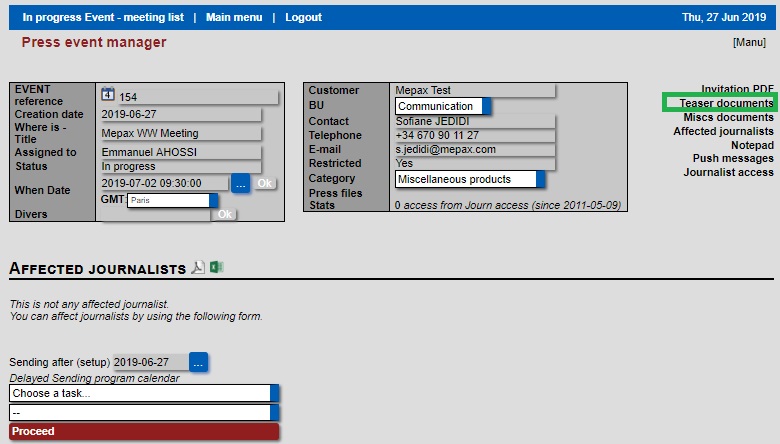
Then, click on Teaser documents as shown above in green. You access the editor of the teaser documents, below.
- In Document title, you have to write or copy and paste all the client press conference invitation detail.
- Then click on create file, in red below.
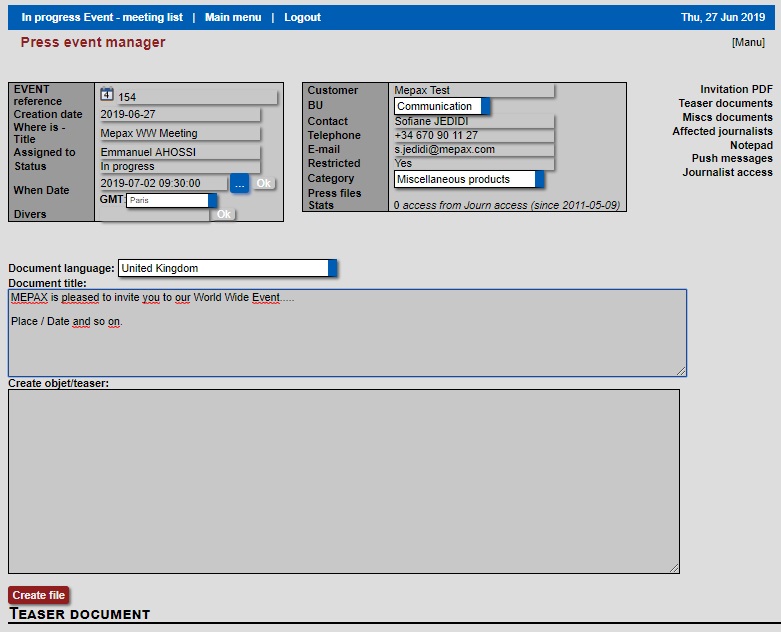
This works in the same way as the press file editor, if you click on the icon below in purple you access the editor and you can make the changes you want.
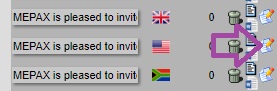
Now your press conference invitation is created.